
Getting Started
Run torq in a single Docker container or Compose stack, configure environment variables, and deploy behind a reverse proxy or Cloudflare Tunnel.
Install & configure →Garage & Maintenance
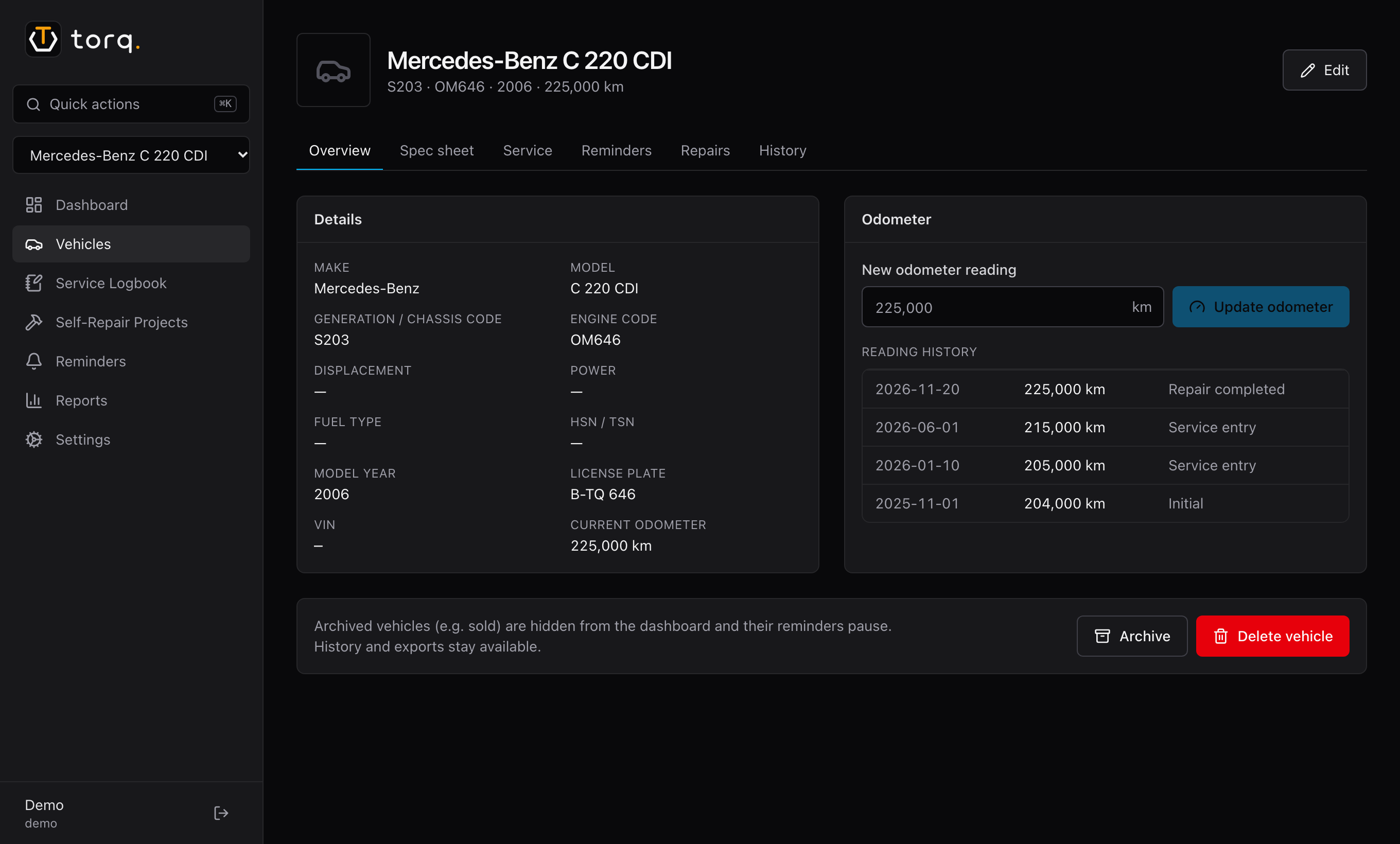
Use the offline car and motorcycle catalog, spec sheet auto-fill, operating hour meters, reminders, and aftermarket accessories.
Explore garage features →Projects & Sharing
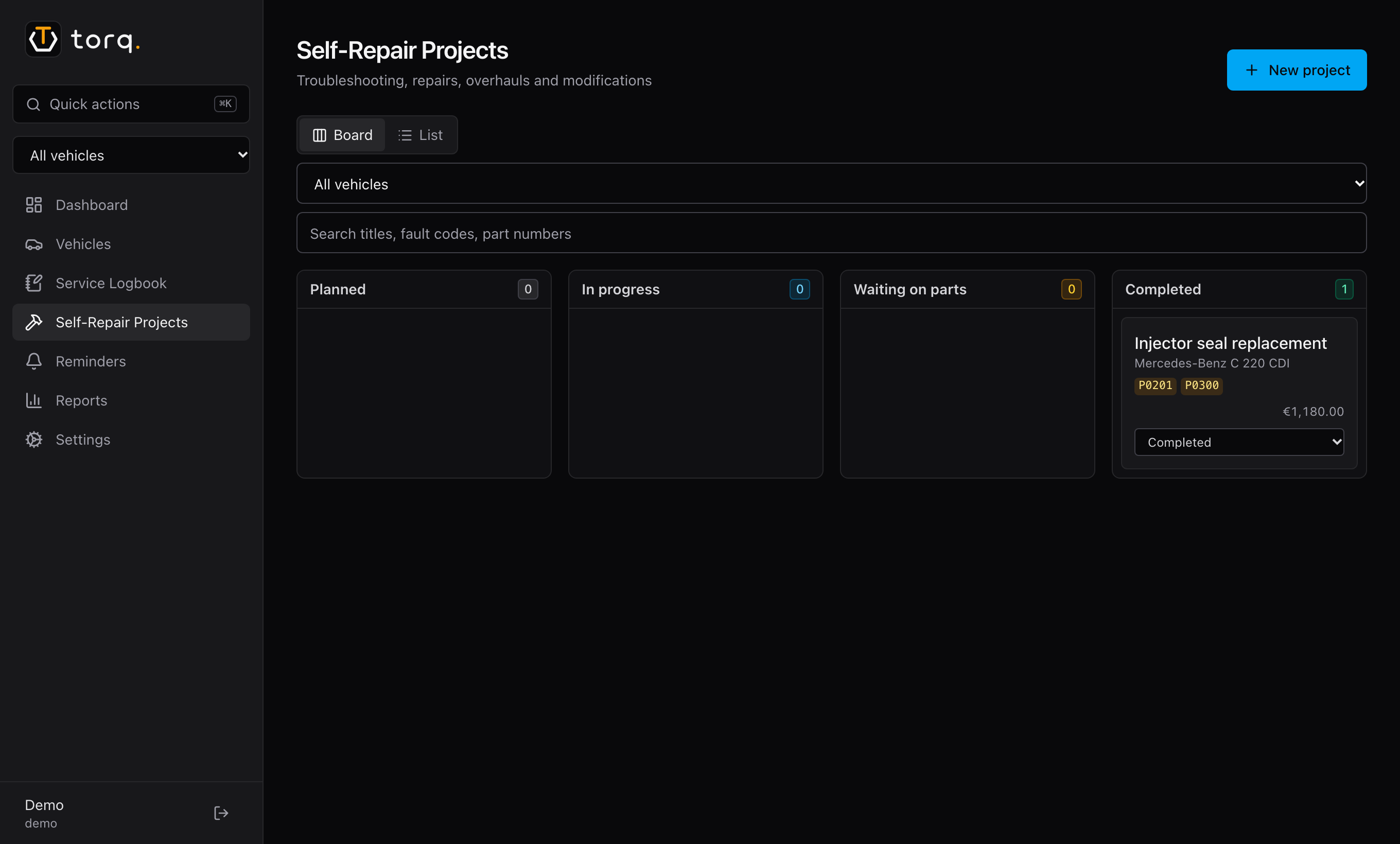
Organize DIY repairs with custom priorities and tags, print QR labels for your engine bay, or share read-only public vehicle records.
Projects & sharing →Access & Branding
Set up role-based permissions, per-vehicle access, TOTP/passkey two-factor sign-in, self-service password resets, and your shop logo.
Roles & security →Notifications & Phone App
Connect Discord, ntfy, Gotify, Home Assistant, or SMTP email alerts, and install torq on iOS or Android as a Progressive Web App.
Notifications & PWA →Operations & Backups
Back up SQLite safely alongside secret.key, upgrade or roll back containers, inspect REST API levels, and troubleshoot common setups.
Operations guide →